
Bring your favorite courses to your range.
Practice how you Play.
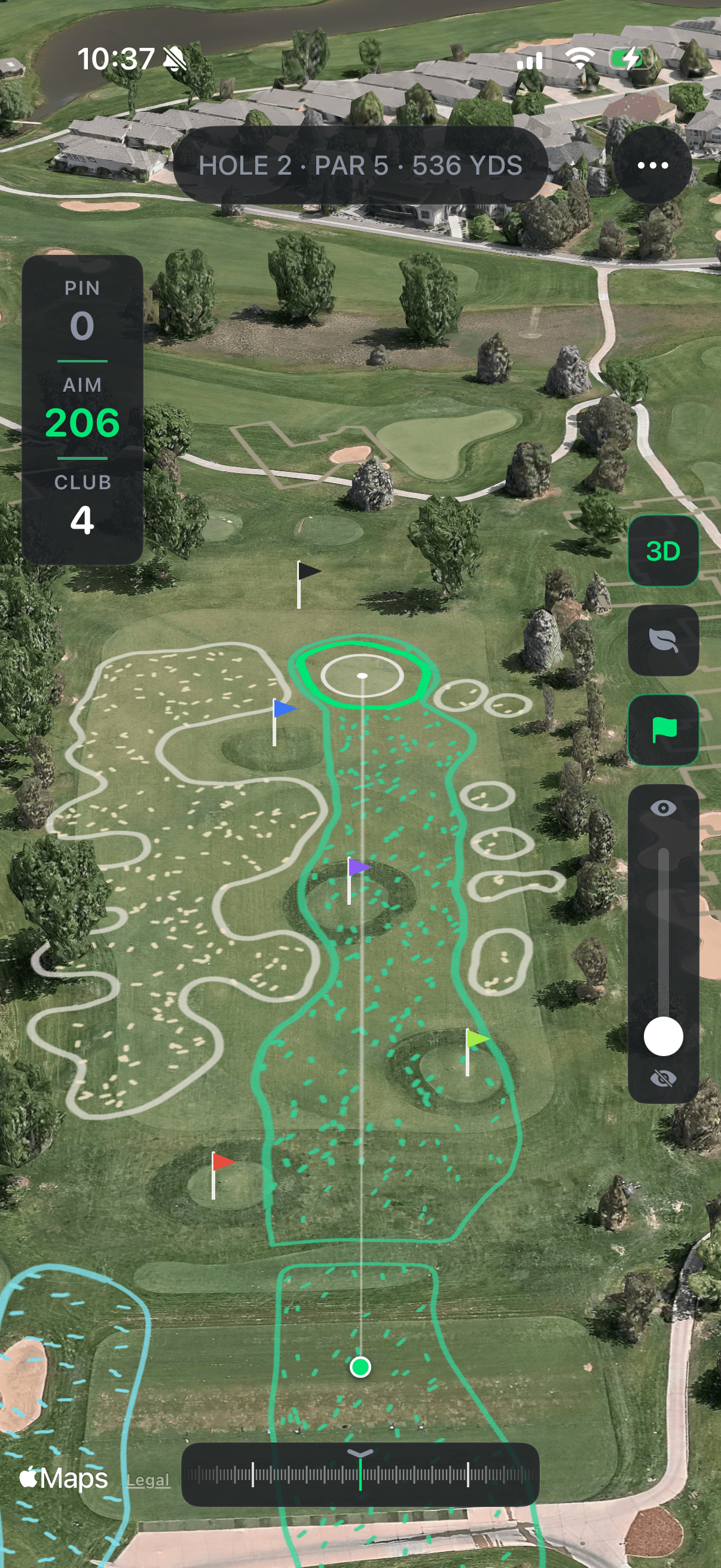
The Range
At your range.
Mark your range once. Get live yardages, pin-perfect alignment, and a clean way to log what you hit.
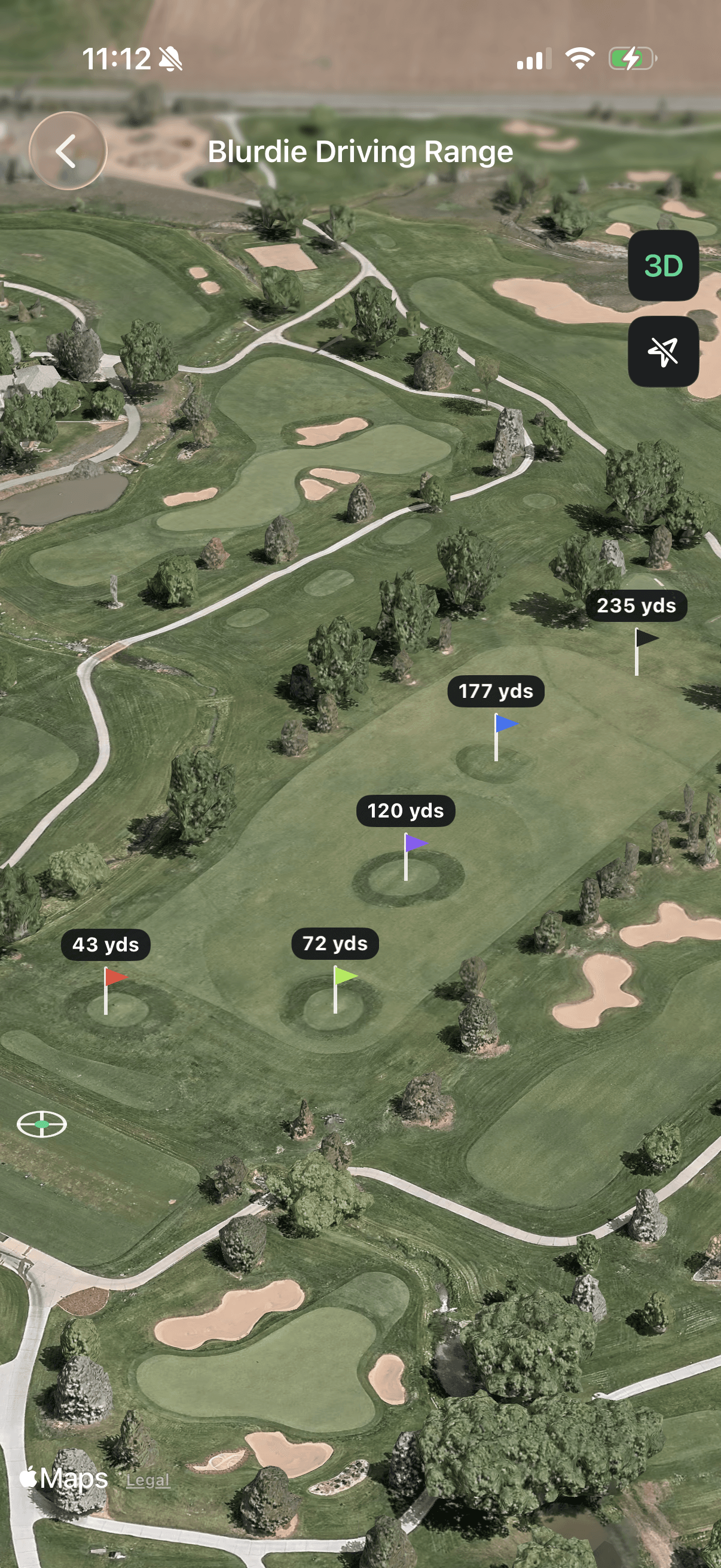
View pin yardages
See every flag’s yardage no matter where you stand. Map stationary flags once for the year.
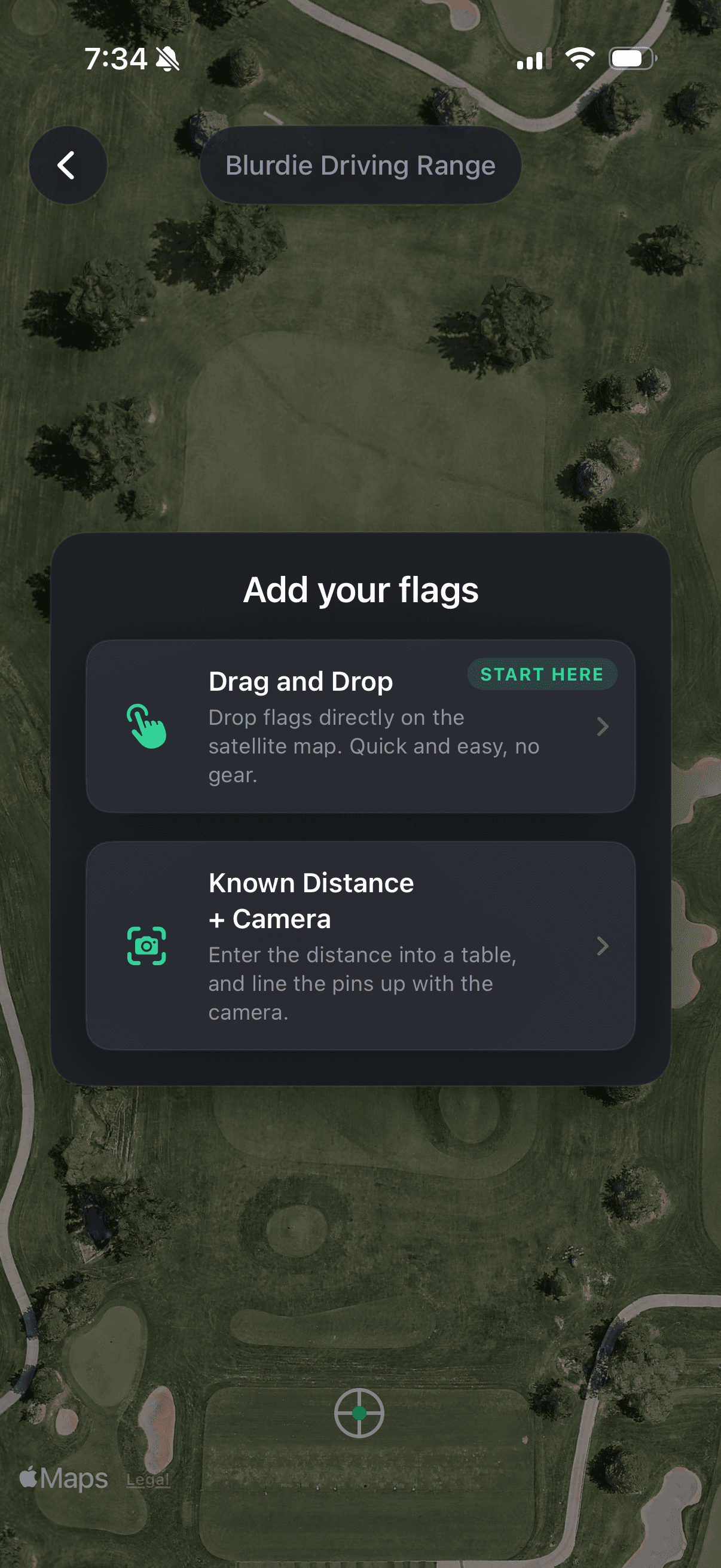
Find pin locations
Drag pins onto the satellite map, or place them by camera from a known distance.
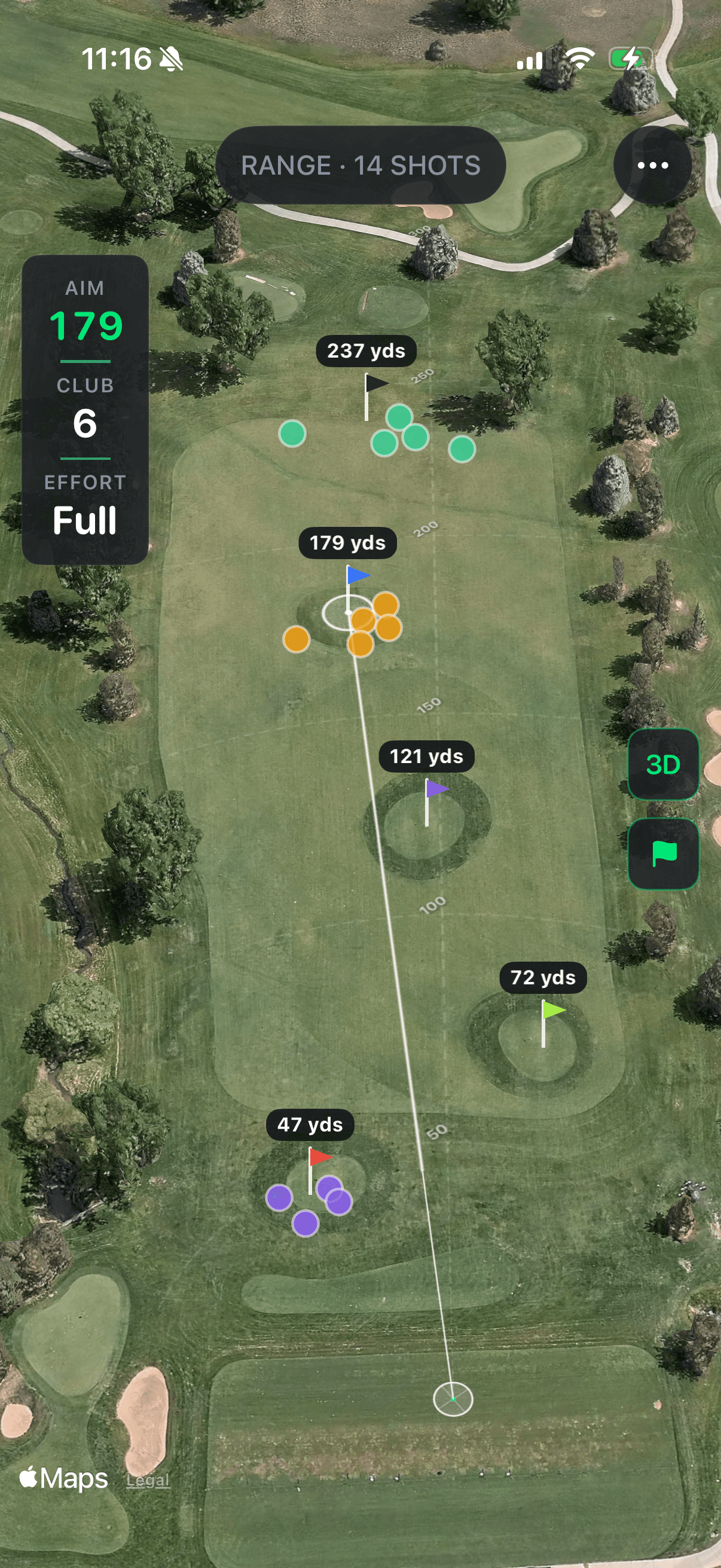
Manual shot tracking
Log shots in seconds: club, distance, accuracy. Your range session is a stat-line by the time you leave.
The Flagship
Your favorite courses, on your range.
Download real-course geometry from courses available on OpenStreetMap. Project it over the driving range you already use. Practice the shots you'll actually play this weekend.
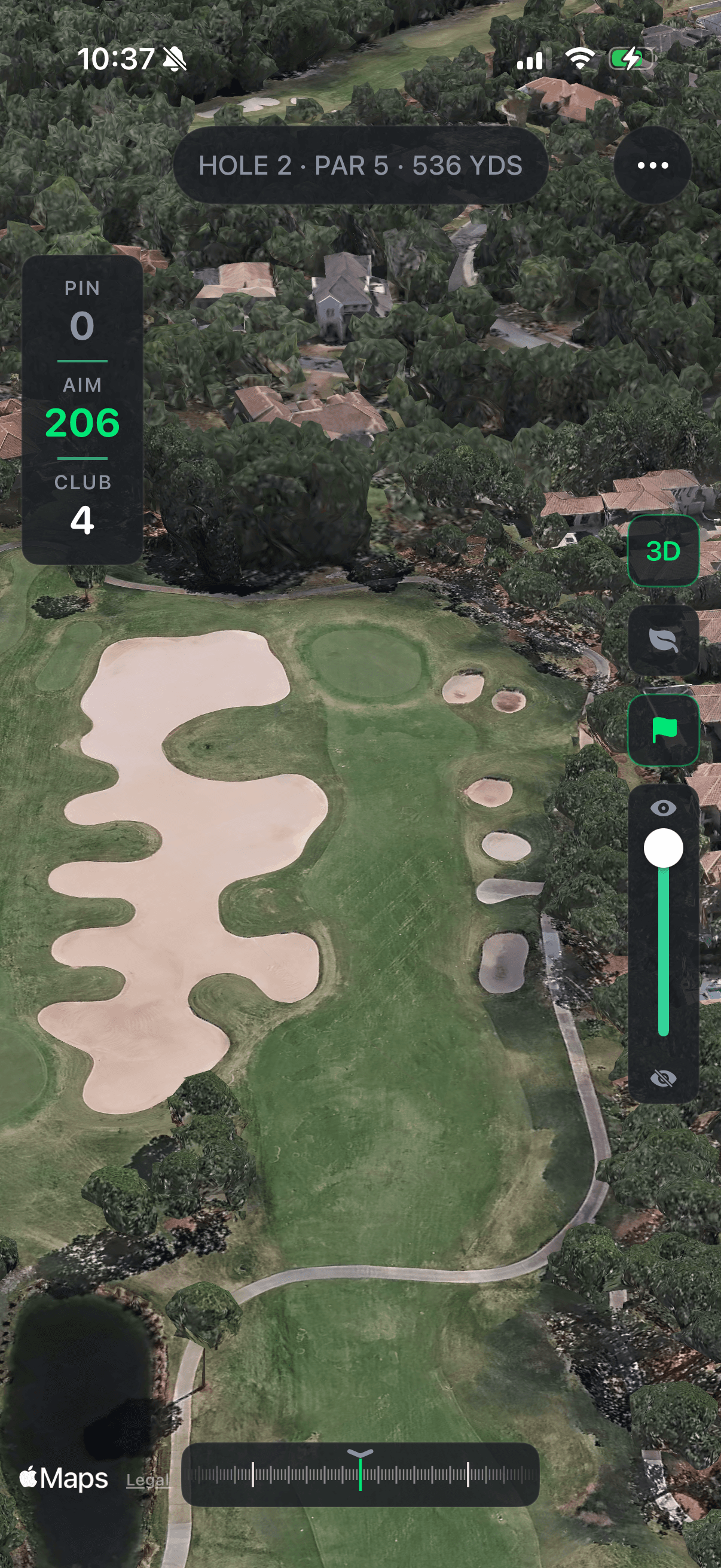
Aim at the same fairway you'll see Saturday — from the range you practice on Tuesday.
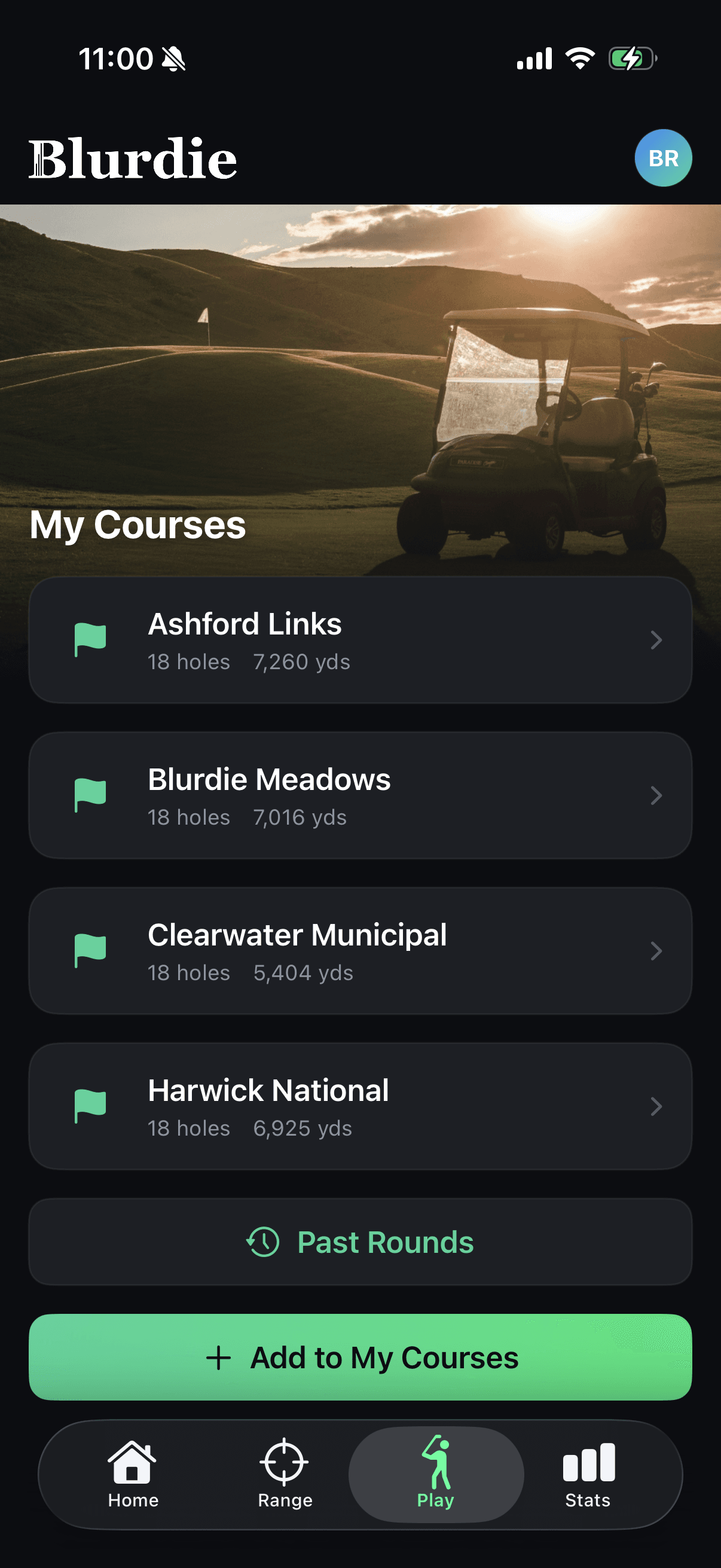
Your course library
Save the courses you actually play. Pull them up when you're standing on the range.
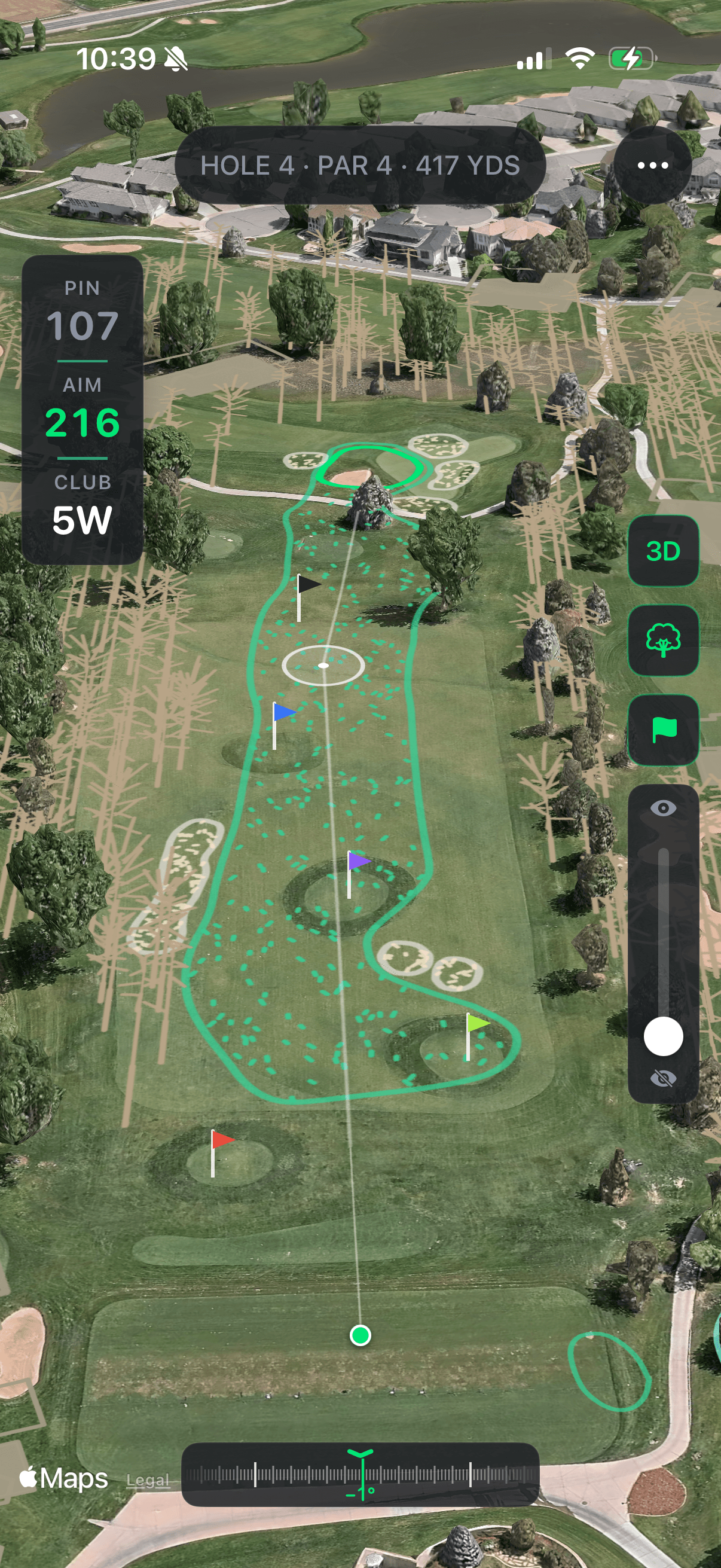
Play every hole
Play the course from above before you ever tee it up. Plan carries, hazards, and landing zones.
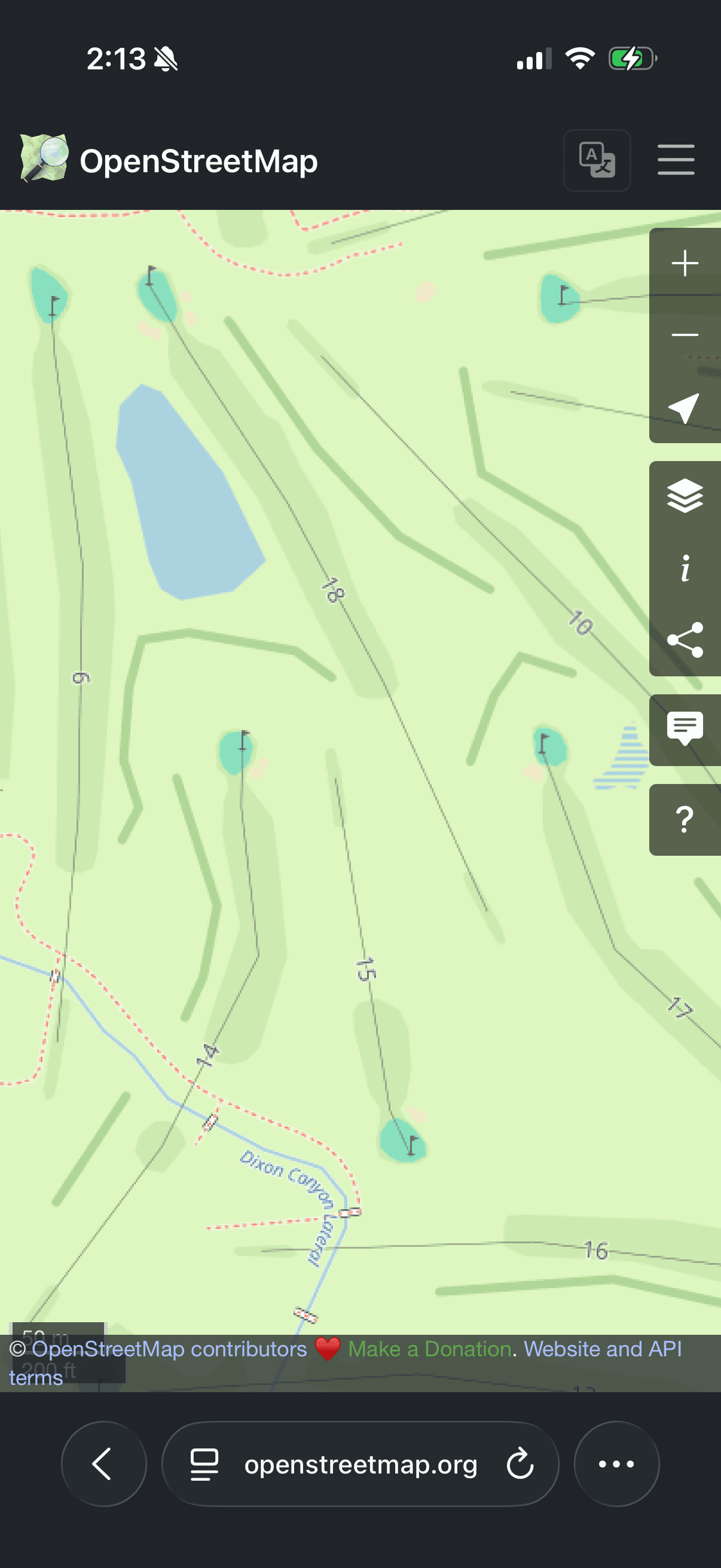
Add your local course
Don't see a course you play? Add it to OpenStreetMap and search for it in Blurdie.
The Walk-Through
Walk the course on Wednesday.
Walk any course at GPS scale before you tee it up. Try the lines you've never been brave enough to hit, or scout next weekend's course with the buddies — from the couch.
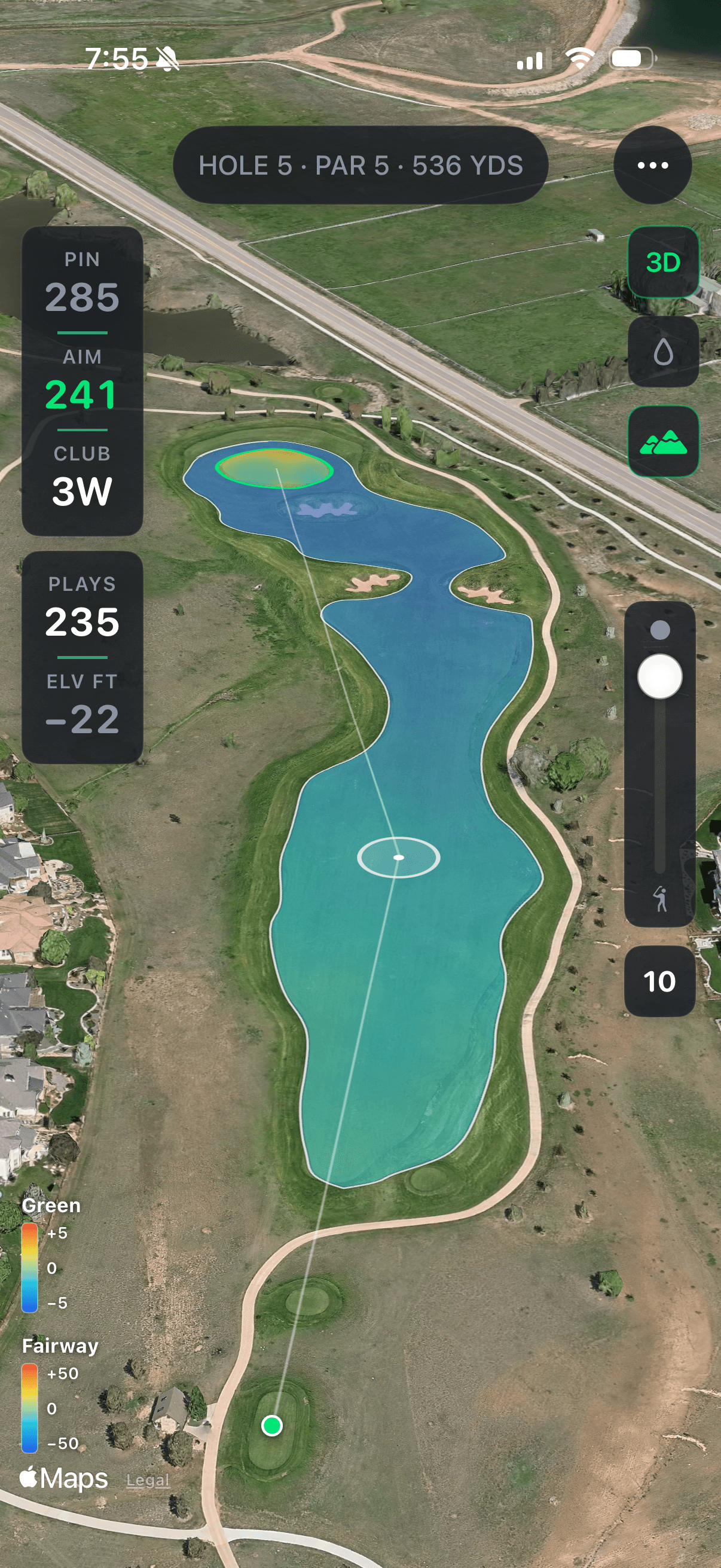
Walk the course Wednesday. Hit the line Saturday.
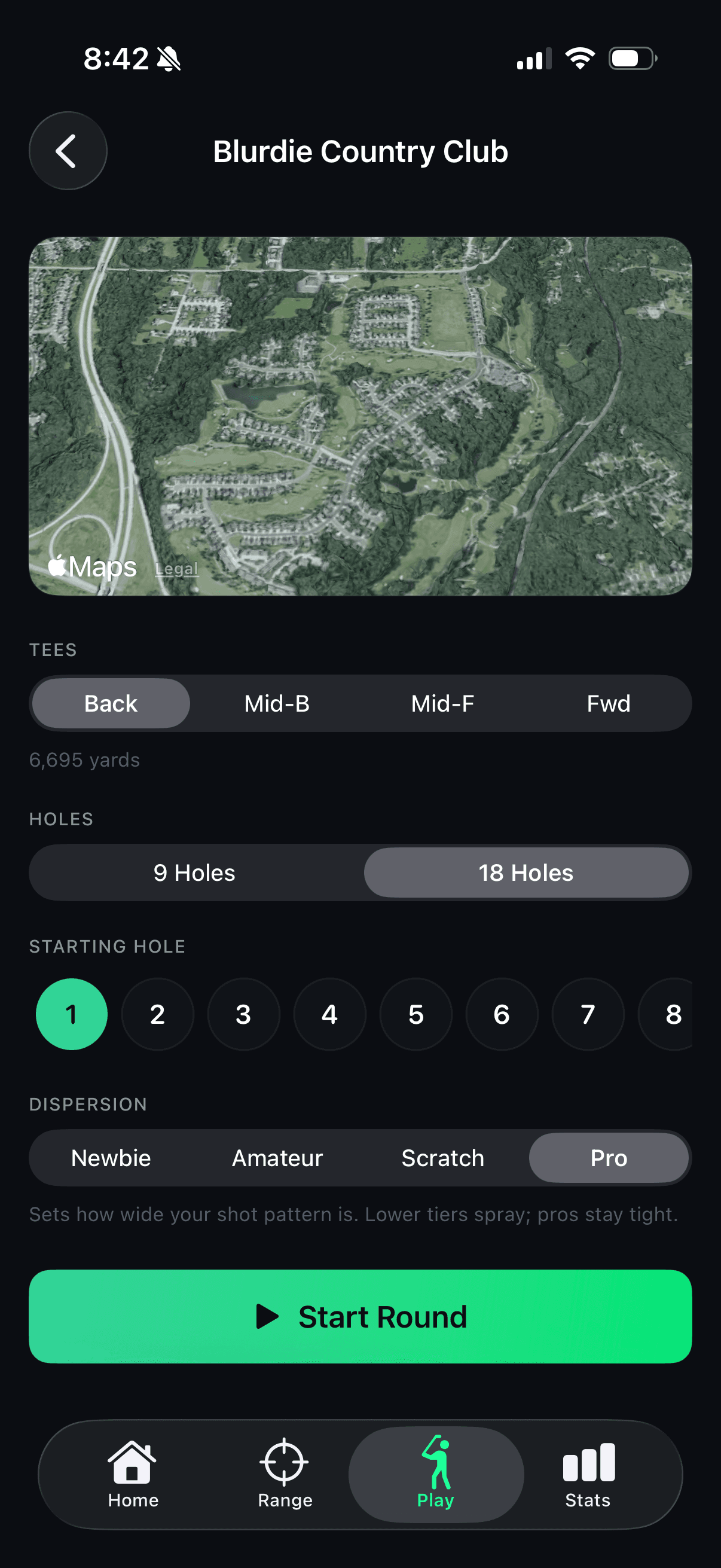
Set your dispersion
Plays your bag. Your stock yardages, layered with a dispersion model — newbie, amateur, scratch, or pro.
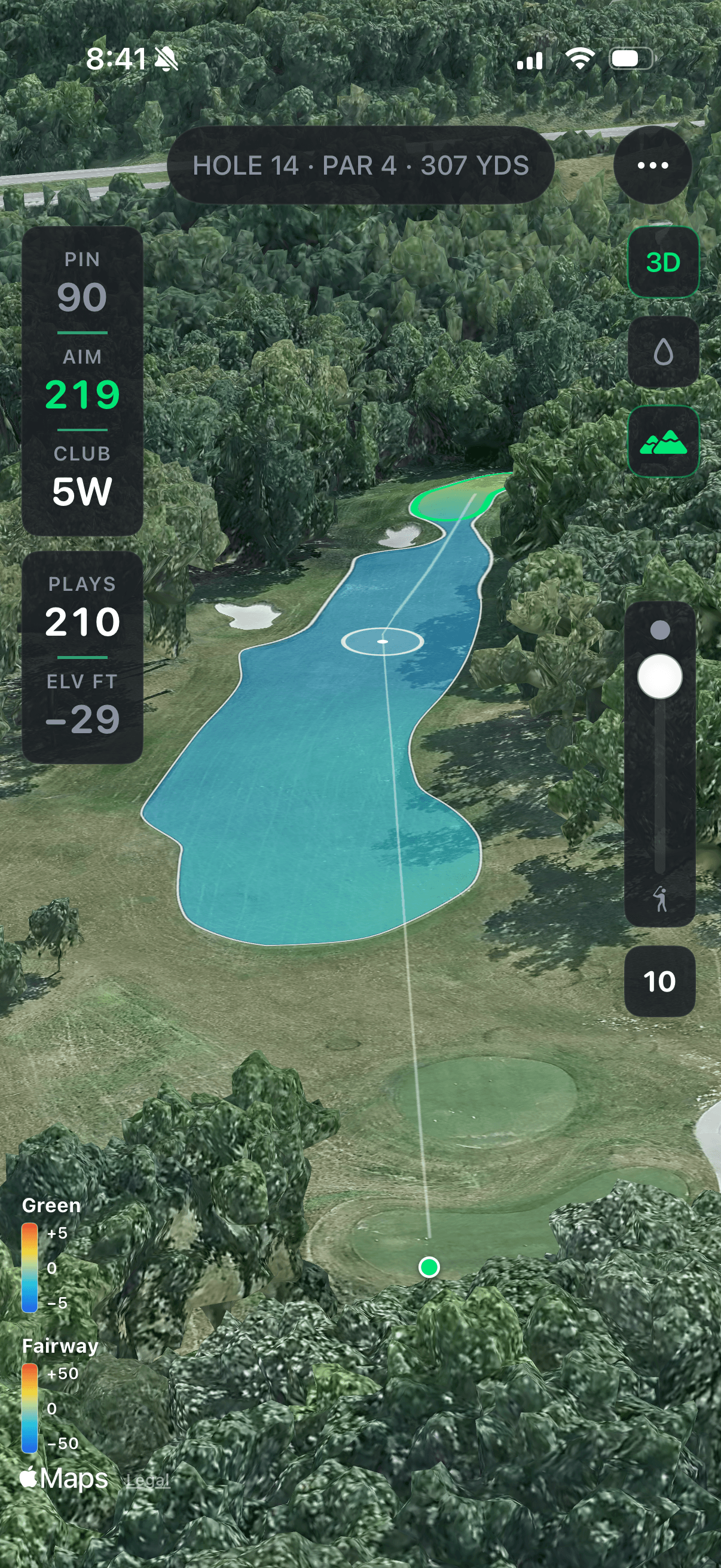
Real LiDAR elevation
Aerial LiDAR pulls in the real contours. Yardages play long or short. Greens have shape.
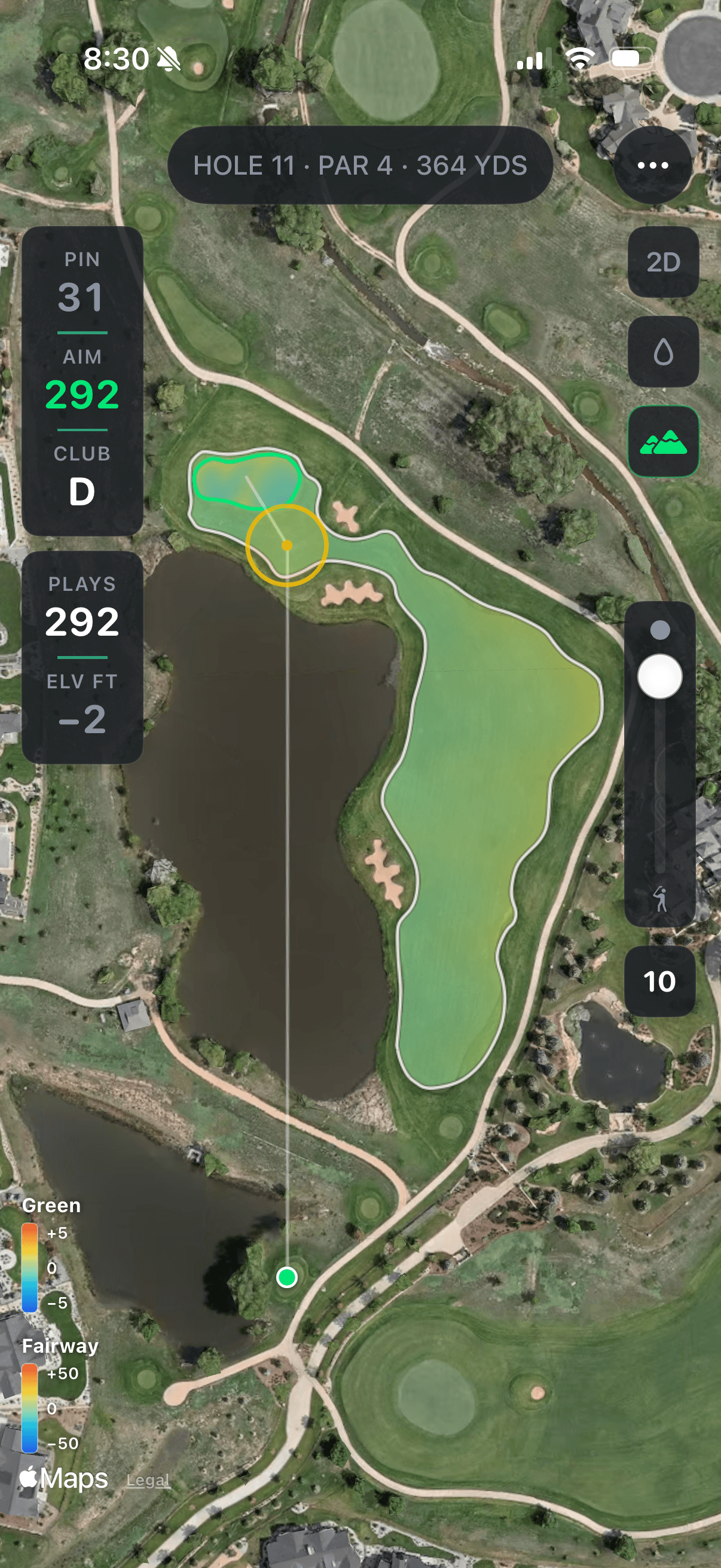
Scout any course
Walk your home course, or one you’ve never played. Try the carry, learn the lines, save your ego for Saturday.
The Numbers
Your numbers, dialed in.
Every shot you log feeds a picture of how you actually hit it — not how you remember hitting it.
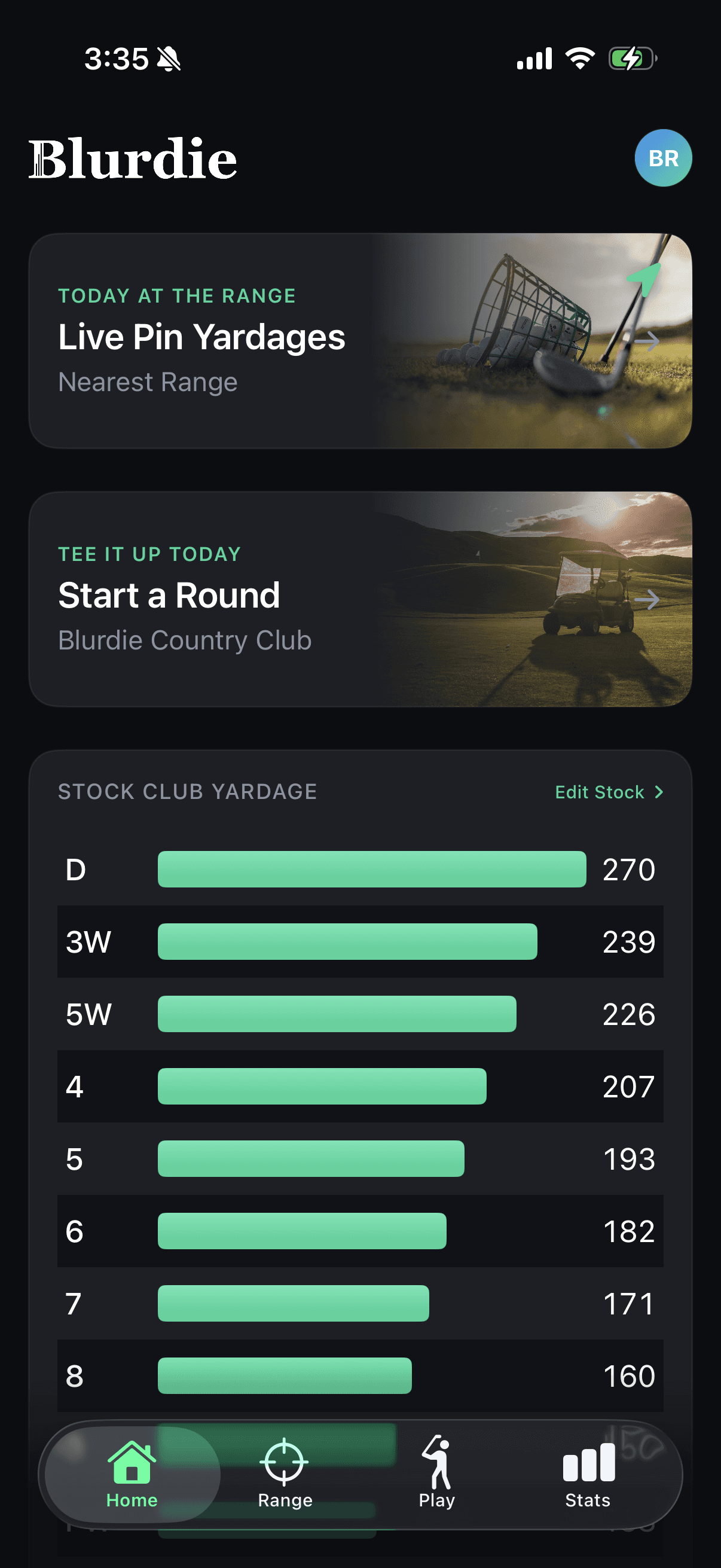
Stock yardages
A clean per-club distance table built from the shots you've actually hit. Edit it when you want to.
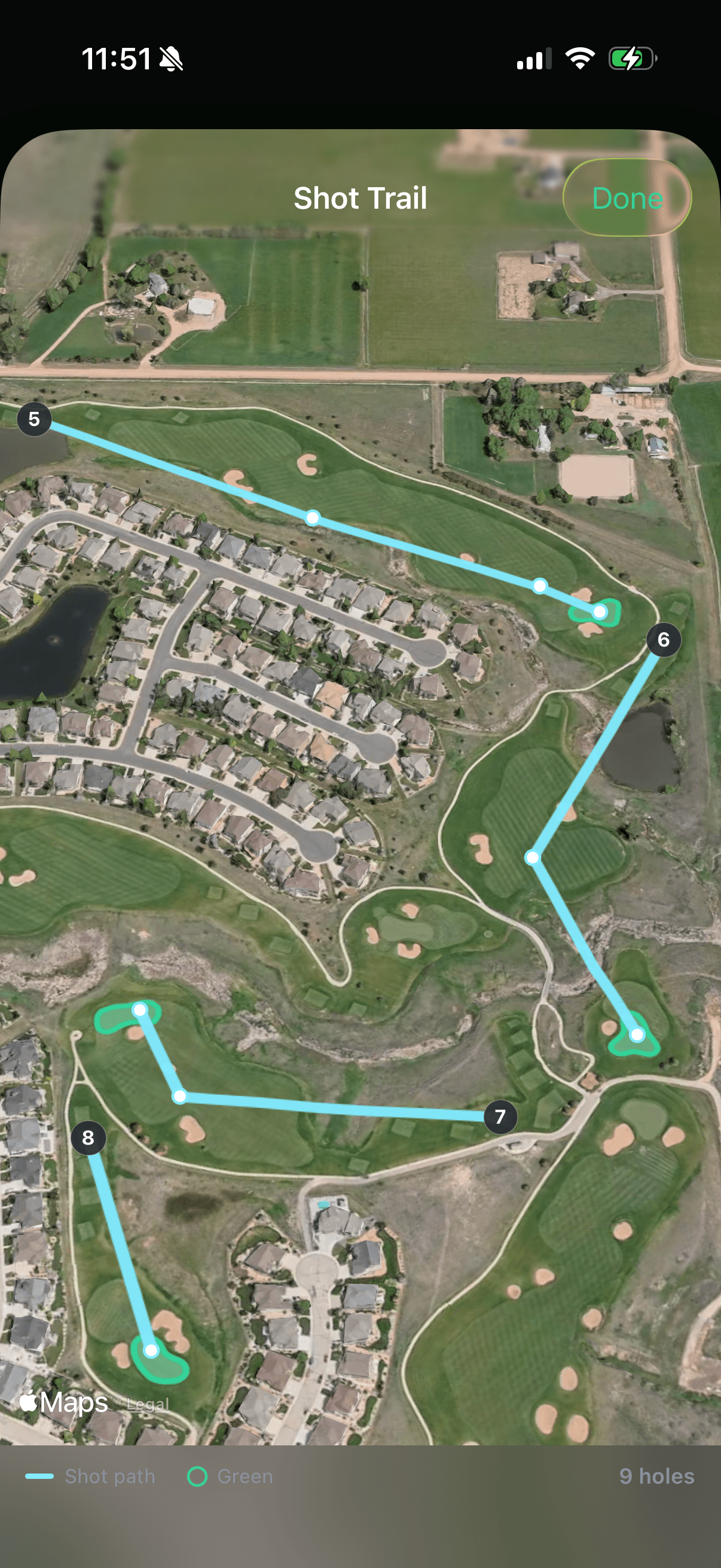
Shot history on GPS
Walk back through any round. See exactly where every shot landed on the satellite view of the hole.
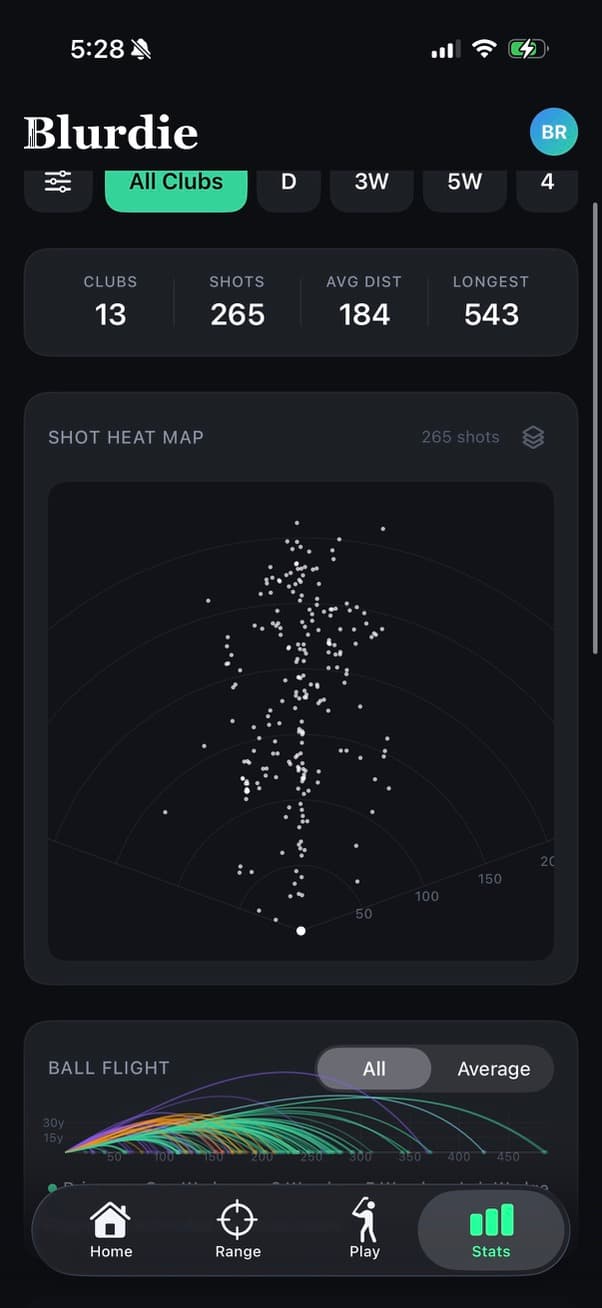
Dispersion & stats
See your dispersion pattern by club, look for gapping irregularities, or dive into per-club details.
How it Works
Three steps. Then you're playing the course.
Add your range
Drop your range on the map. Blurdie projects every course from where you actually shoot.
Fire up a course
Pick any course from your library. Blurdie projects every hole onto the range in front of you.
Start playing
Walk each hole from above. Plan your line, hit your shot, and play through to the green.
Ready to bring it home?
Practice how you Play. The range you already know, with the courses you actually want to shoot.